Hands-on interception lab
The lab starts separate local A2A and MCP processes, routes their messages through AIT, and waits for an operator decision. Work the first exercise end to end, then choose the boundary you want to study.
Environment: source-based AIT installation, SDK-backed messages, loopback targets, no Docker, no provider key, and no external network.
For a longer sequence, use the guided training path. For component boundaries and reset behavior, read how the lab works.
The default topology uses the packaged A2A and MCP SDKs in separate supervised
processes. Use --fixture only when you specifically need the older handwritten
regression topology.
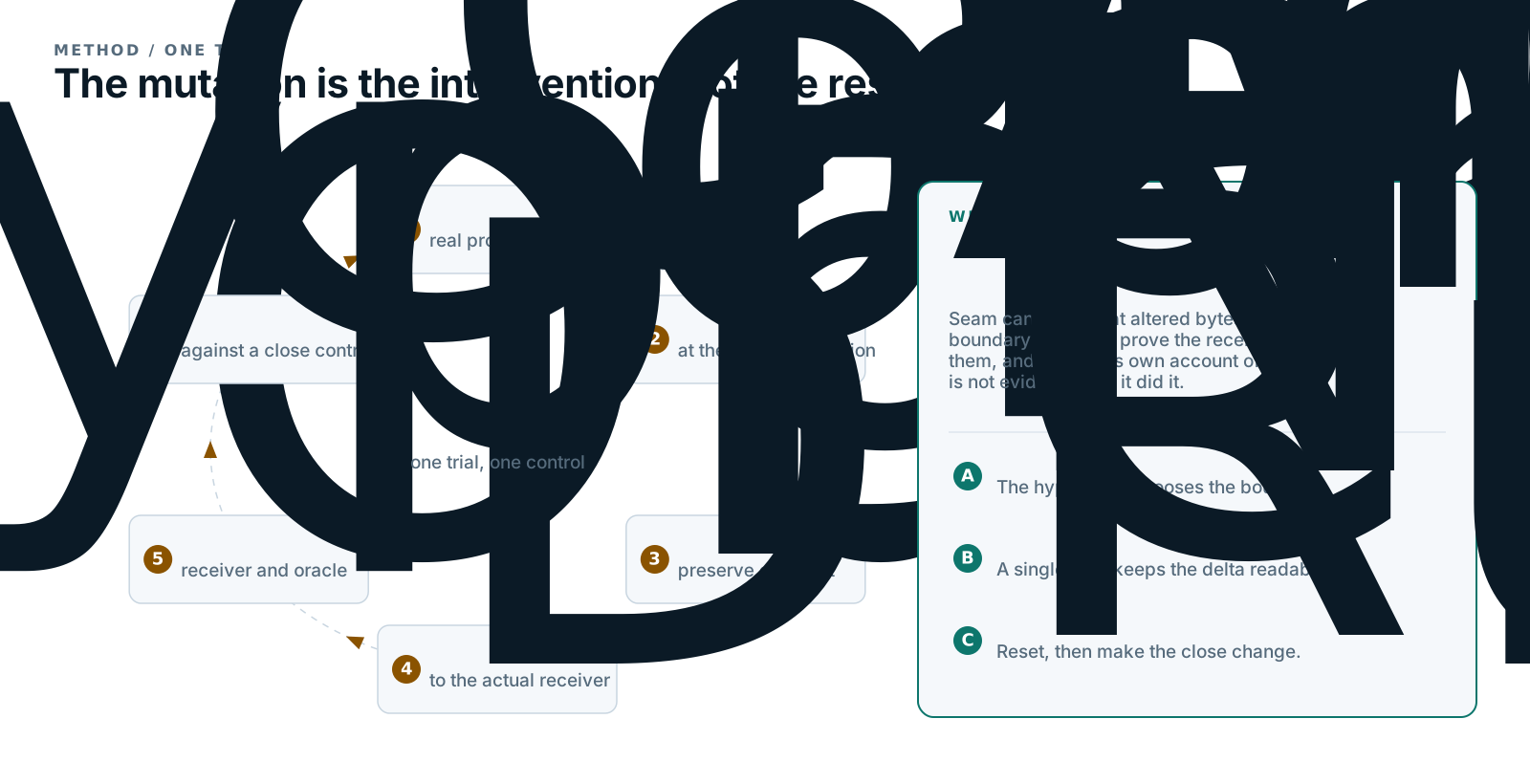
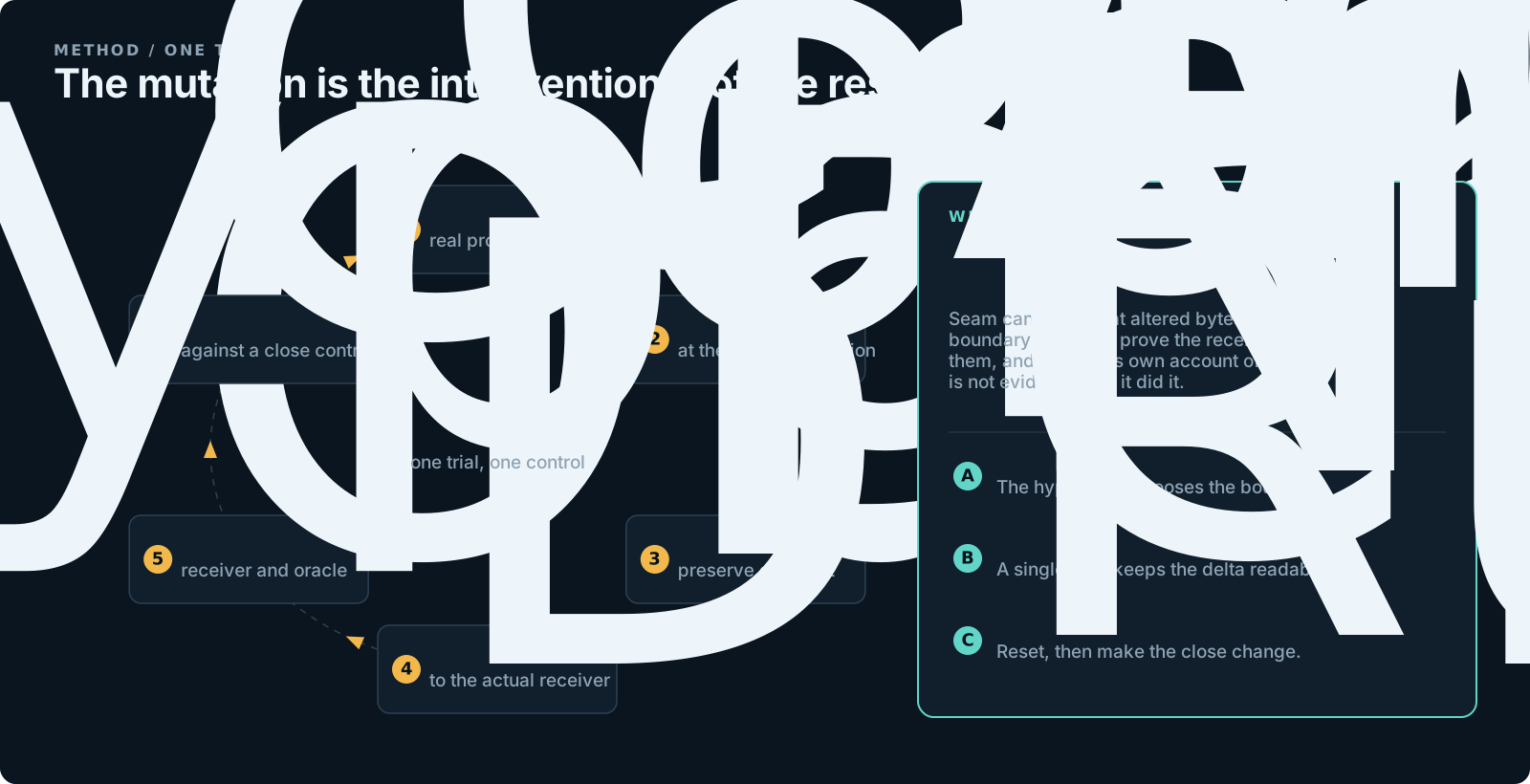
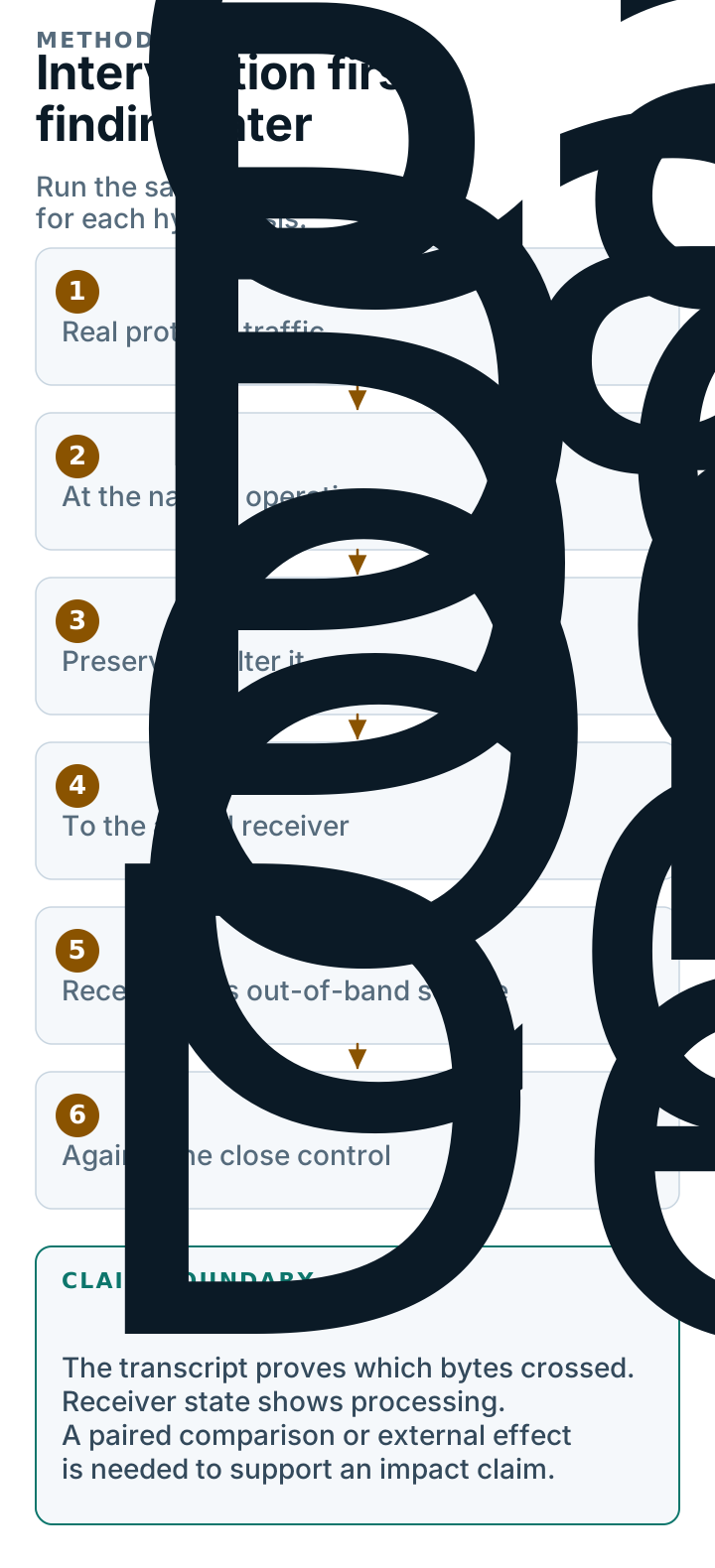
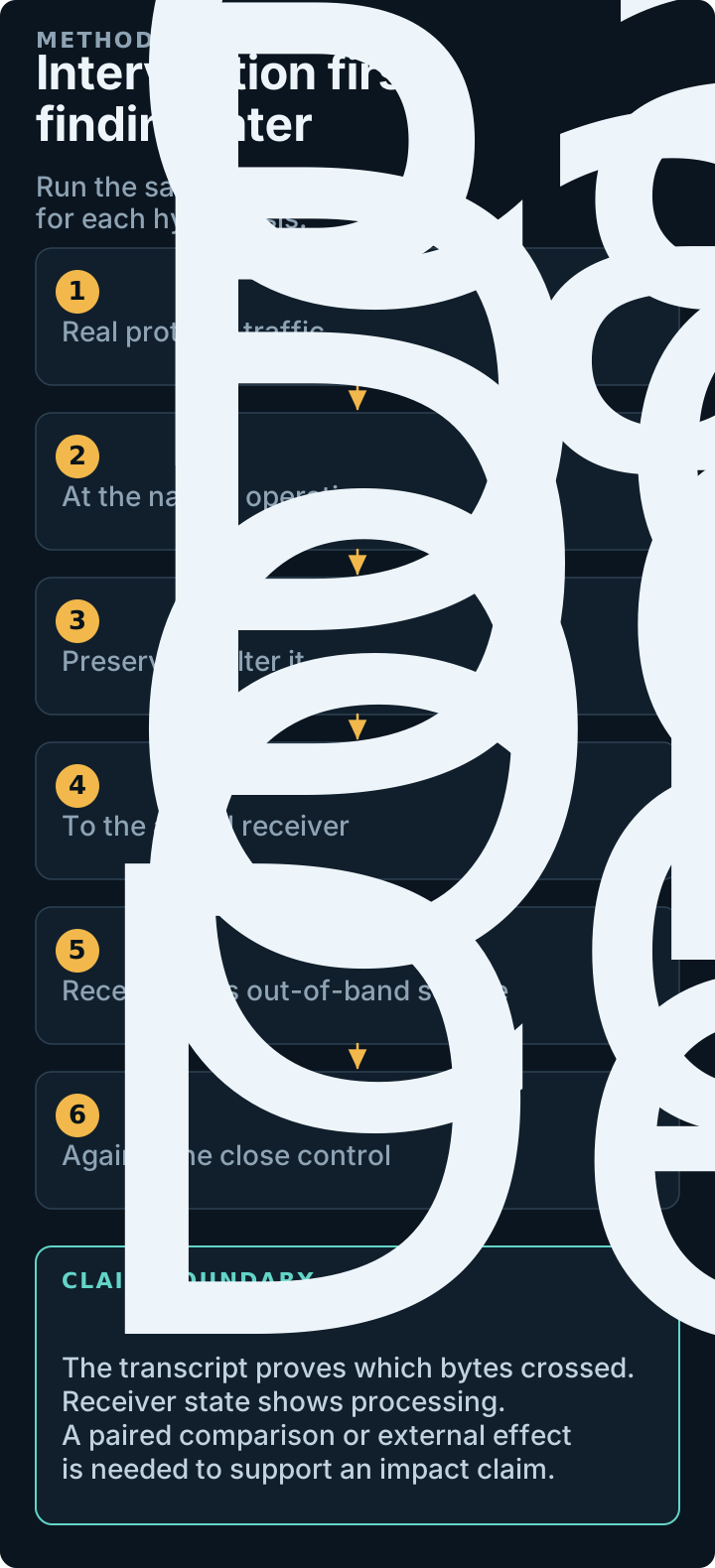
The transport, parser, interceptor, and process boundaries are the platform's production paths. Identities, task, policy, and effect are controlled fixture inputs.
Before you start
You need a terminal, a browser, and a local AIT installation. The lab owns the processes and loopback listeners it creates. It does not contact an external target unless you separately configure and start one.
ait doctor should report the direct interception and lab surfaces as ready.
If a port is occupied, stop the process that owns it or let the lab choose a
different ephemeral port; do not reuse a listener whose owner you cannot
identify.
Start in one command
AIT performs the launch in dependency order:
- starts the effect ledger and the exercise receiver;
- starts Seam and the relevant A2A or MCP listener;
- points the sending process at that listener;
- ensures the shared Cockpit is running;
- opens the active lab session in the browser.
The browser bootstrap is single-use and is removed from browser history after
it becomes the normal HttpOnly local session. Use --no-open for remote
terminals, CI, or when you want to open the Cockpit yourself.
Read the Cockpit once
The lab drawer tells you the exact exercise recipe. The traffic view and editor are the operating surface.
| Surface | What to read | What to do there |
|---|---|---|
| Lab drawer | goal, pause condition, suggested change, proof source, control | trigger traffic; inspect receiver and ledger state |
| Traffic timeline | protocol, direction, operation, correlation, pending state | select the message that matches the recipe |
| Structured editor | parsed JSON, diff, attack/control arm | make the smallest intended edit |
| Decision controls | forward, forward modified, drop, replay, batch release | choose exactly what the receiver receives |
| Evidence view | delivery, receiver, behavior, effect, attribution, limits | decide what the observation proves |
For the first run:
- Open the Lab drawer.
- Select Send exercise traffic.
- Select the pending message identified by Pause.
- Apply the edit under Change in the structured editor.
- Choose Forward modified.
- Inspect Receiver state and Effect ledger.
- Trigger again and apply the Control in the same session.
Every recipe uses the same five terms:
- Goal names the boundary and security property.
- Pause identifies the exact request, response, or event.
- Change is one concrete attack edit.
- Look points to receiver state and a controlled out-of-band proof source.
- Control is a similar edit that should not exercise the tested property.
Exercise 1: delegated A2A message
A2A client AIT
request pause Specialist
A2A server MCP
policy check Approval
ledger
Pause message/send. Change /params/message/metadata/amount from 25 to
75, then forward the modified request. The specialist state and approval
ledger should both record 75.
For the close control, trigger the exercise again and change only the
human-readable message text. Keep the amount at 25. The text crosses the same
boundary and is equally visible, but the deterministic policy does not read it
as the authoritative amount.
Try Drop once: neither receiver state nor the ledger should move. Try Replay once: observe whether duplicate delivery produces duplicate state or effects. These are separate lifecycle questions; do not fold them into the amount-mutation result.
Full guide: Delegated A2A message.
Exercise 2: MCP tool result
The gateway calls a controlled MCP tool. Request and response appear as a
correlated pair. Select the tools/call response, then change
/result/structuredContent/risk from low to high.
The gateway decision state tells you what the client consumed. The effect ledger records the controlled downstream decision. Change only descriptive text for the close control.
MCP Streamable HTTP is the default. Run the same SDK workflow over the packaged stdio wrapper when transport shape is the variable:
Full guide: MCP tool result.
Exercise 3: asynchronous artifact
The specialist emits A2A streaming artifact revisions. Select multiple pending events and choose an explicit release order, or drop revision 1 and replay revision 2. The subscriber history records the delivered sequence; the idempotency ledger records duplicate processing.
The control is release every event once, in original order. This exercise is about event lifecycle, not content plausibility, and is the quickest way to learn batch release before working a real asynchronous agent.
Full guide: Asynchronous artifact.
Exercise 4: task and tenant crossover
Pause the tenant-alpha SendMessage request. Change
/params/message/metadata/tenantId to tenant-beta, or change the task ID to
the other synthetic tenant's task. The specialist state and access ledger show
which tenant-partitioned record was consumed.
Change only metadata.label for the close control. A message-text edit is not a
useful identity control because it does not resemble the field whose binding is
under test.
Full guide: Task and tenant crossover.
Exercise 5: Agent Card substitution
Pause the Agent Card response and replace supportedInterfaces[0].url with the
shadow endpoint shown in the Lab drawer. Forward the card. The gateway's next
real A2A request should reach the shadow specialist while the primary remains
untouched.
Changing only description is the close control. The changed card is merely
wire evidence; the primary-versus-shadow state and routing ledger prove whether
the client used the altered route.
Full guide: Agent Card substitution.
Exercise 6: callback substitution and replay
Pause CreateTaskPushNotificationConfig. Replace its URL with the displayed
controlled ledger endpoint, or replay the configuration twice. The callback
ledger records destination, event ID, delivery count, and duplicate IDs.
Forwarding the original configuration once is the control. All callback endpoints are loopback-only; the exercise does not expose or store production callback credentials.
Full guide: Callback substitution and replay.
Exercise 7: MCP tool-schema poisoning
Pause tools/list and add
/result/tools/0/inputSchema/properties/amount/maximum = 1000. The deterministic
client chooses a high-value argument from the delivered schema. The MCP server
receipt and decision ledger should show a later call with amount 750.
Change only the tool description for the close control. This proves the schema reached and influenced the deterministic client; it does not claim that every model or framework interprets a schema the same way.
Full guide: MCP tool-schema poisoning.
Exercise 8: MCP resource-content poisoning
Pause resources/read and change max_auto_approval=100 to
max_auto_approval=1000 in the returned text. The client then makes a real MCP
tool call derived from the delivered guidance. The resource receipt, follow-up
tool call, and effect ledger should agree on amount 750.
Add a benign marker without changing the limit for the close control. A changed resource proves only delivery; the later call is what raises the evidence tier.
Full guide: MCP resource-content poisoning.
Exercise 9: MCP request tampering
This exercise pauses what the client asks, rather than what the server returns. Two operations stop in sequence:
- On
resources/read, replace/params/uriwith the alternate controlled resource. Change only/params/_meta/labelfor the control. - On
tools/call, replace/params/arguments/account. Change the unused/params/arguments/notefor the control.
The MCP server receipt proves which URI or arguments it received. The effect
ledger proves the resulting controlled action. The break conditions target
these operations specifically so the initialize handshake does not stop
first and obscure the exercise.
Full guide: MCP request tampering.
Keep attack and control together
Run both arms in the same interception session. ait lab reset creates a new
session, so resetting between the arms makes them independently observable but
not scoreable as a pair.
ait lab trigger LAB_ID
ait intercept edit MESSAGE_ID --arm attack --set /params/message/metadata/amount=750
ait lab trigger LAB_ID
ait intercept edit NEXT_ID --arm control --set /params/message/metadata/amount=26
ait intercept evidence --primitive a2a.approval-amount
Use reset after the comparison, when you want empty component state and a new session.
Reset, inspect, and stop
Reset clears pending and historical messages, tasks, artifacts, live rules, receiver state, and effects. It keeps the Cockpit process available. Stop resolves the lab lifecycle and terminates every owned agent, listener, wrapper, stream, and child process.
In the Cockpit:
- Stop and inspect preserves the completed evidence on screen.
- Choose another exercise stops and verifies the current lab, clears its URL and selection state, and returns to the catalog.
- if traffic is paused, AIT asks whether to forward it unchanged, drop it, or cancel the stop.
If more than one lab exists, pass its ID. ait lab trigger LAB_ID is the
terminal equivalent of Send exercise traffic.
Transport selection and target handoff
ait lab start --a2a-binding rest --mcp-transport stdio
ait lab use-target LAB_ID --protocol a2a_rest --upstream http://127.0.0.1:9100
The lab supports A2A JSON-RPC, REST, and gRPC plus MCP HTTP and stdio. Use this setup with my target copies only the protocol, break conditions, and editor preferences. It does not copy synthetic identities, fixture state, ledger values, or credentials. Preparation performs no contact; Test target and Start fresh session remain explicit actions.
Interpret the result narrowly
The topology is process-backed. SDK-backed protocol messages cross the same
checked-in Seam execution path used by external-target workflows. Run records
capture the A2A and MCP SDK versions, binding, task and context identifiers,
process receipts, and ledger state in ait.intercept-lab/v3.
The consumers in these nine exercises are deterministic. That makes their ledger evidence stable; it does not simulate probabilistic model reasoning. When the question is whether a configured model follows delivered content, design a separate paired experiment against that exact configured consumer.
Next: follow the guided training path, or read how the lab is built before transferring the setup to a real target.